Rotations
The schedule builds itself
Kids rotate through classrooms by age group. Room sizes, teachers and time slots are checked for you, so nobody is ever in two places at once.
For VBS, camps, kids' programs, conferences and trainings
People sign up online, the schedule builds itself, and the name badges print in two clicks. You get your week back, and the people in the room get your full attention.
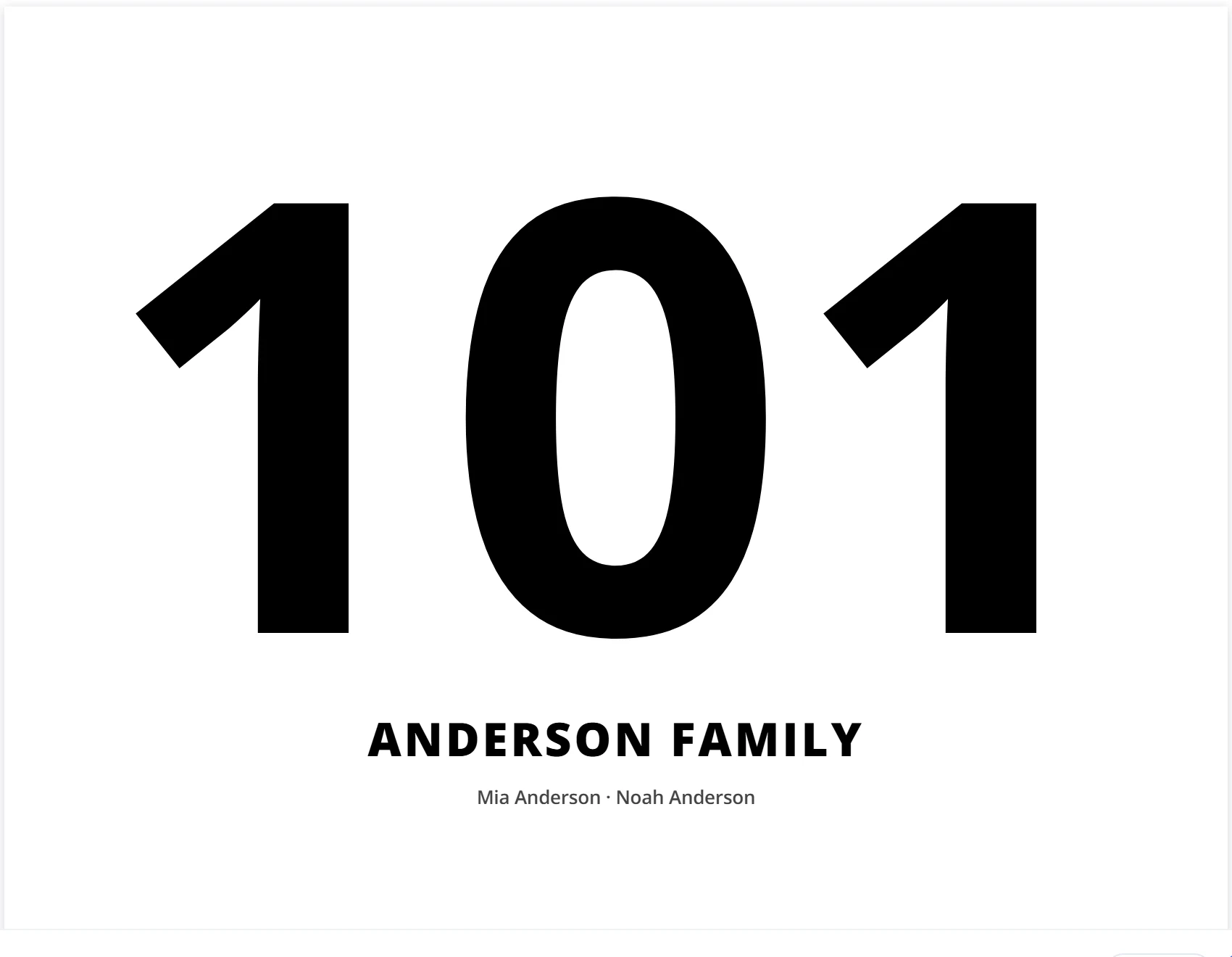
Summer VBS · Grace Community
Mia
Anderson
K–1stPickup
101
Sound familiar?
Paper sign-up sheets. A spreadsheet only you understand. A group text that never stops buzzing. You make it work every year, and every year it takes over your week. Tap a card to see what changes.
Plenty of tools take sign-ups and payments. Simple Schedule Pro runs the week itself: the classrooms, the rotations, the badges and the door.
Kids rotate through classrooms by age group. Room sizes, teachers and time slots are checked for you, so nobody is ever in two places at once.
Print "Student 1, Student 2" badges with classes already chosen and seats held. Add names and parents' details later, when they arrive.
Set a tablet by the door. Kids scan the code on their badge, front or back camera, and the camera stays open for the next child in line.
Each badge shows that child's own classes, times and rooms. Every family gets a pickup number automatically, so pickup is calm.
How it works
Drop in the spreadsheet you already have, or start fresh. Your classes, staff and times are ready in minutes.
Parents sign up all their kids on one form and pick classes. You watch the seats fill.
Name badges, class lists and pickup cards print in a couple of clicks. Day one, you're ready.
Each child lands in one class per time slot. No double bookings, no full rooms, no hand-made grid.
Your sign-up list
| Crafts · Rm 4 | Music · Rm 2 | Games · Gym | |
|---|---|---|---|
| 9:25 | |||
| 10:10 | |||
| 11:15 |
See it in action
Pick a job to see how it looks inside Simple Schedule Pro.
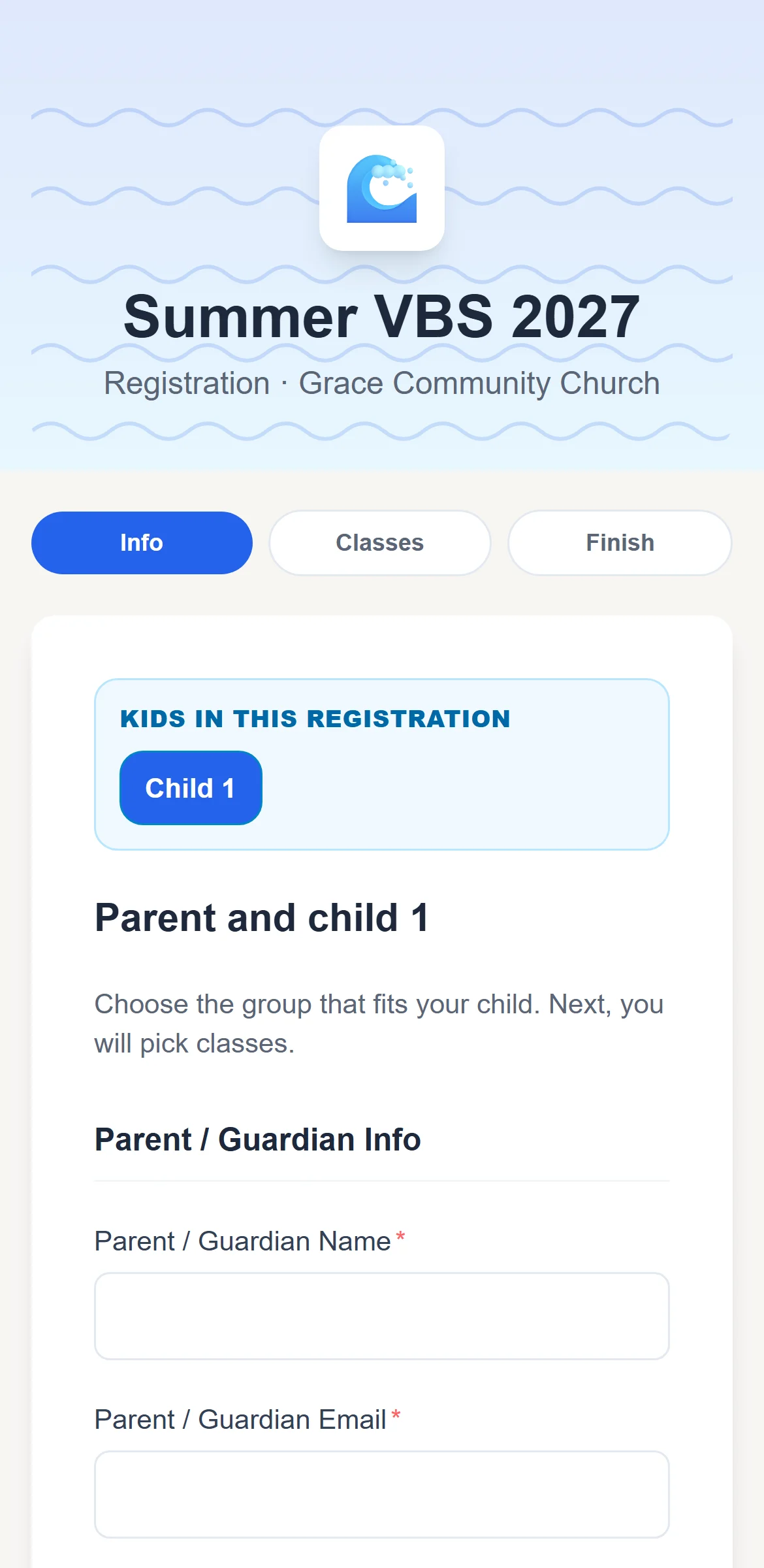
Real screenshots from the app, using a sample event.
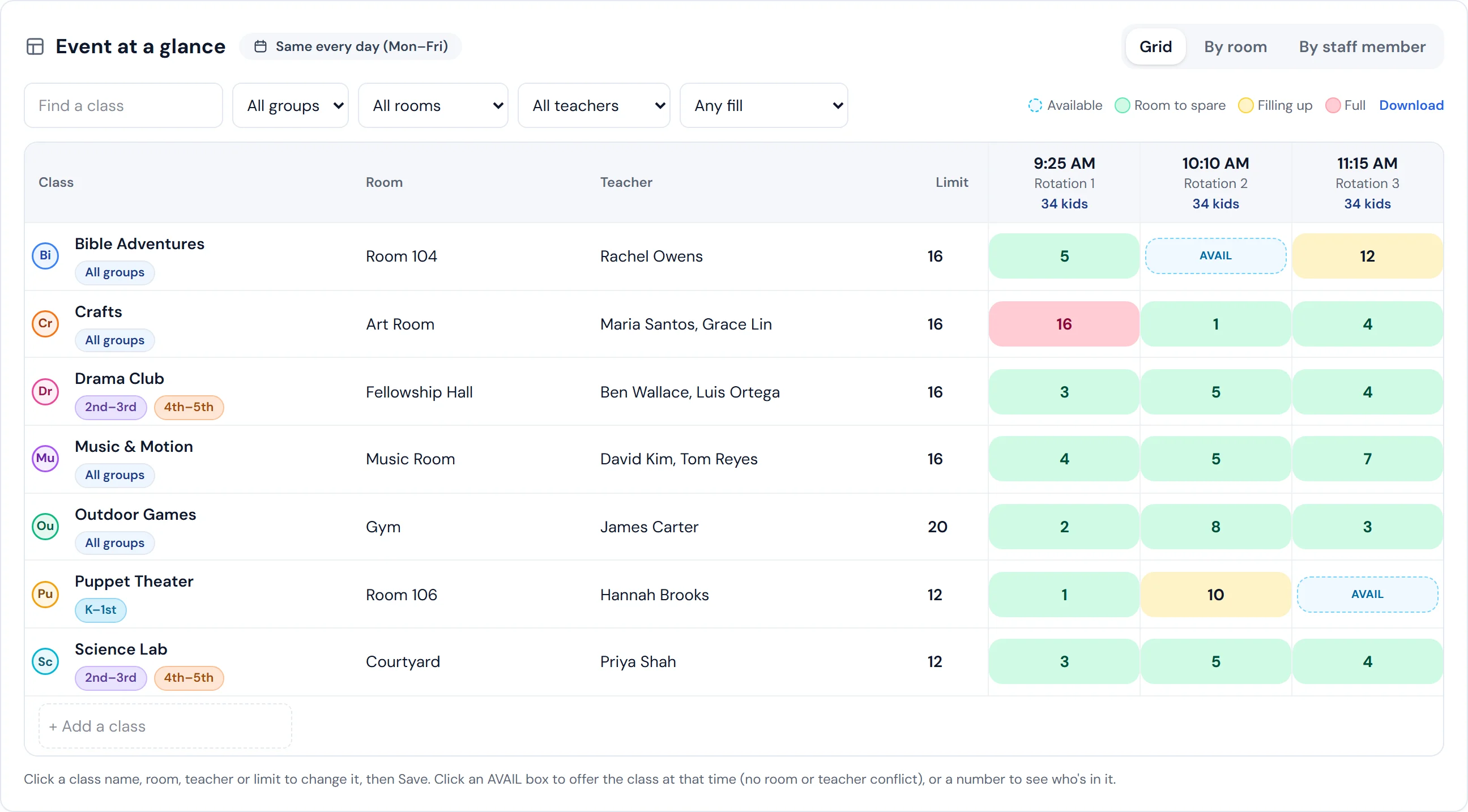
34
kids signed up
7
classes
10
staff with schedules
0
double bookings
Numbers from the sample event in the screenshot. Try it yourself.
What you get
From the first sign-up to the last kid picked up.
Drag in the sheet you already use. Classes, staff and time slots are set up for you, and if a column is unclear, it asks.
Parents add every child at once. Each child picks their classes, full classes close on their own, and no one can pick the same class twice.
Every class, room, teacher and time on one grid. It warns you before anyone gets booked twice.
Email each teacher their own schedule. Make anyone an admin so they can sign in and help.
Name badges, class rosters, sign-in sheets, staff packets, room signs and pickup cards. Preview first.
Families check in with a QR code or their name. Pickup numbers match every child to their grown-up.
Search by name, parent, group or class. Move a child to another class and see the seats left as you go.
Copy this year's event and change the dates, or save it to a file to bring back any time.
Check in, look someone up or make a quick change from the hallway. Light or dark mode, your pick.
Our own church uses Planning Center for people and payments too. Simple Schedule Pro works alongside it and handles the part of VBS and camp that happens in the classrooms.
Keep using Planning Center for
Add Simple Schedule Pro for
Planning Center is a trademark of its owner. Simple Schedule Pro isn't affiliated with it.
Who it's for
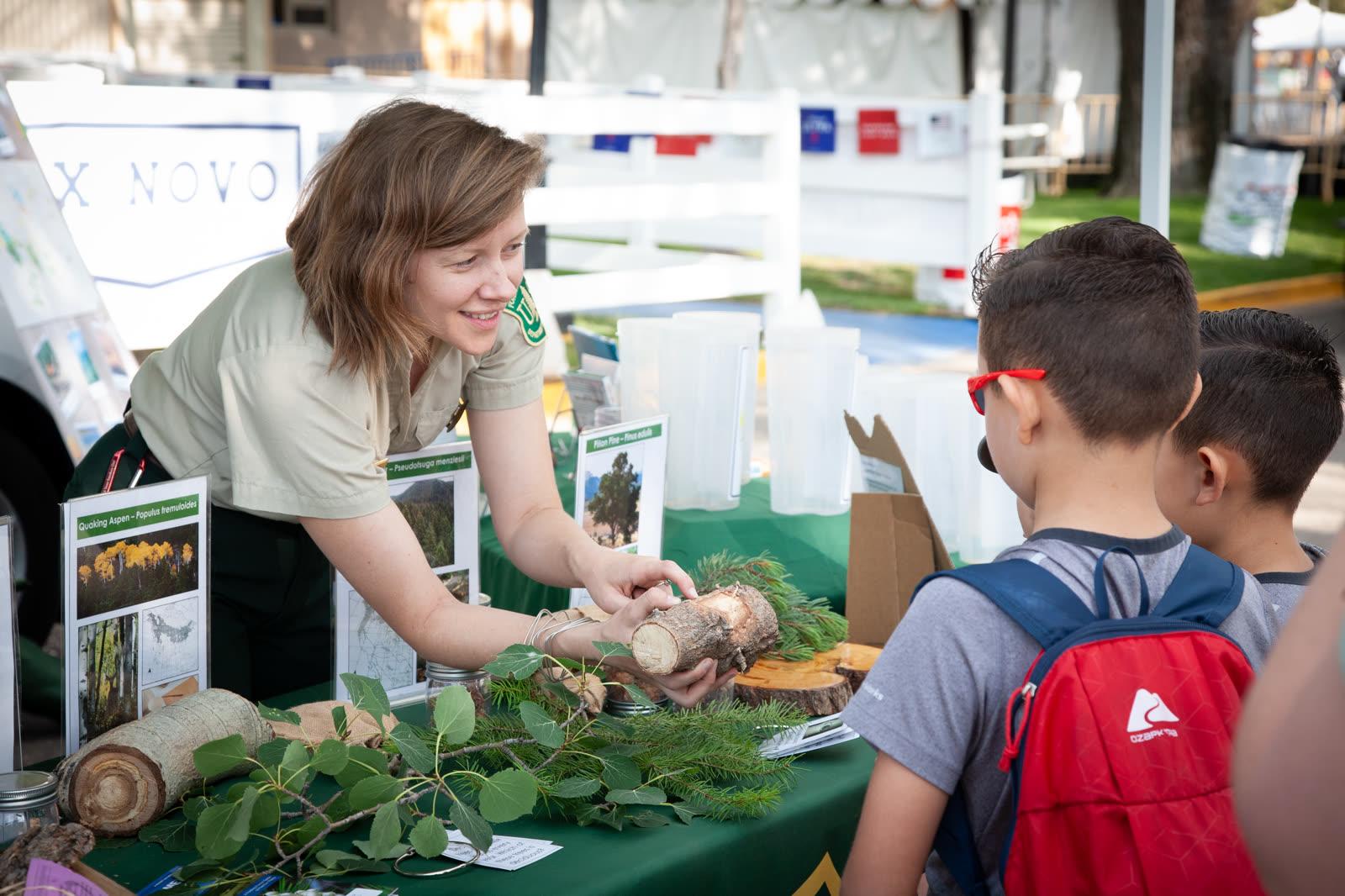
Made for churches, camps, schools and community groups, and for teams running conferences, trainings and trade shows with sessions in more than one room.

Rotations, groups, helpers and pickup, all in one plan.
Photo: MIKI Yoshihito · CC BY 2.0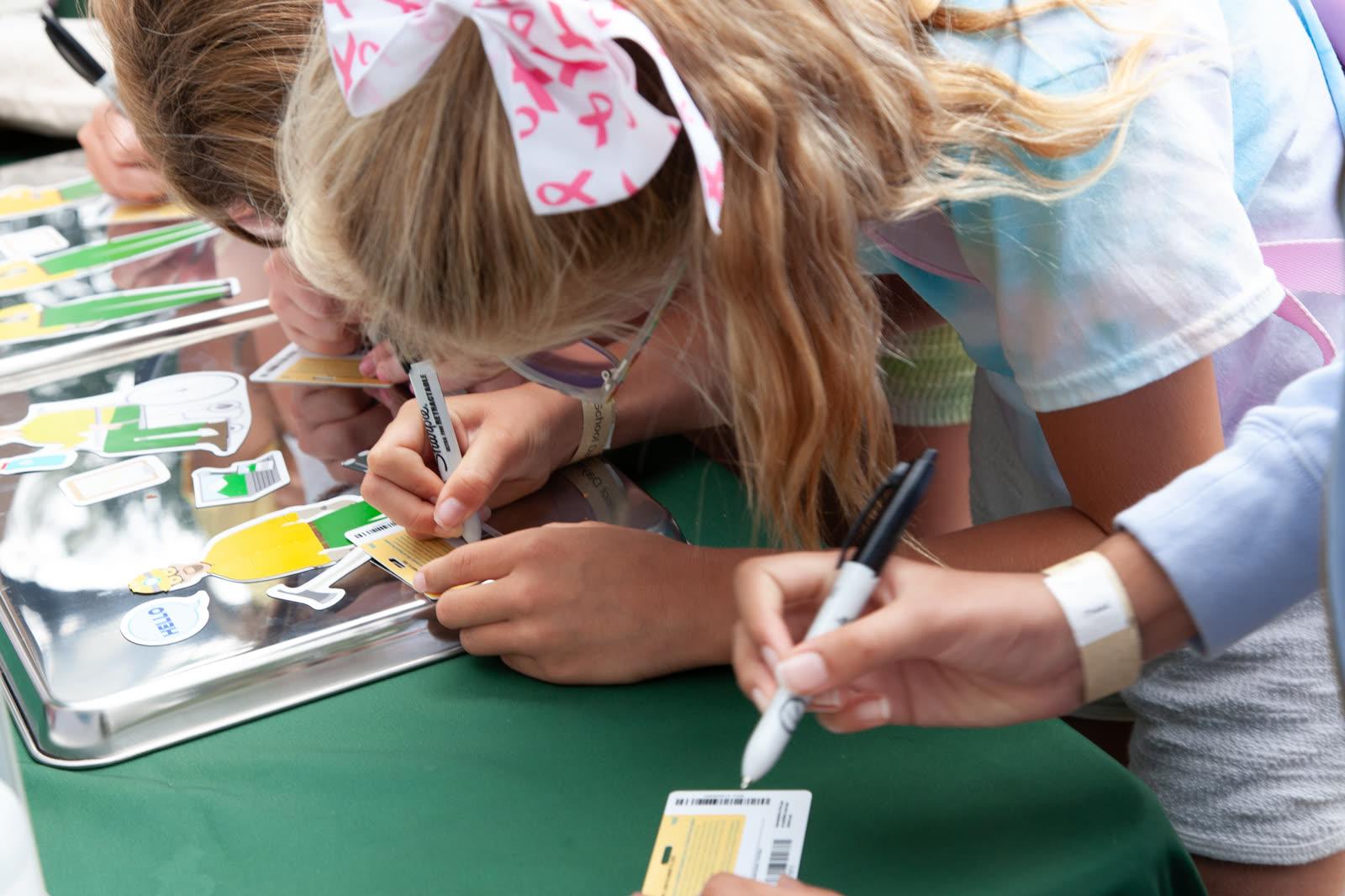
Keep every group moving from one activity to the next.
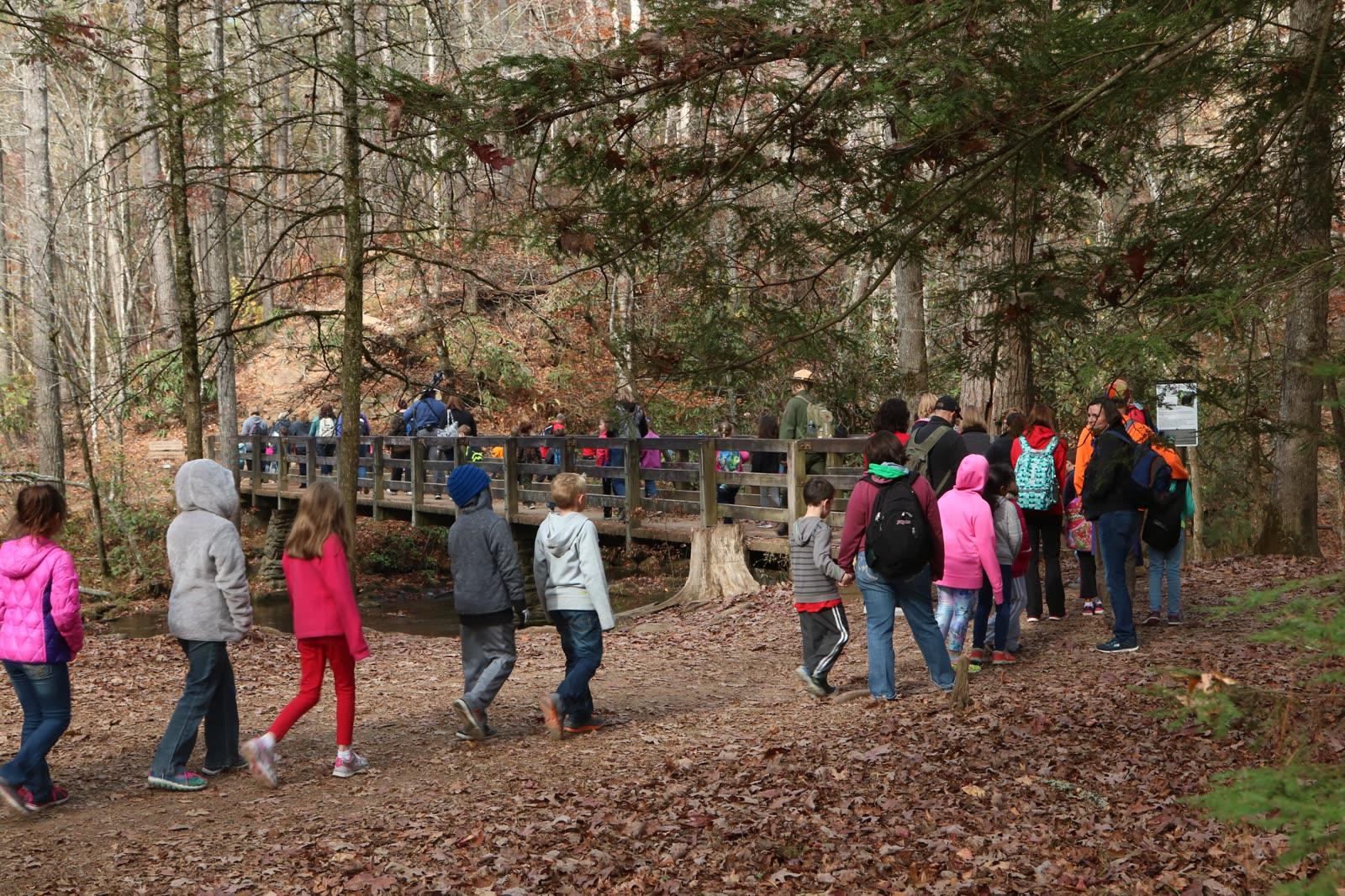
Workshops, rooms and leaders sorted before anyone arrives.
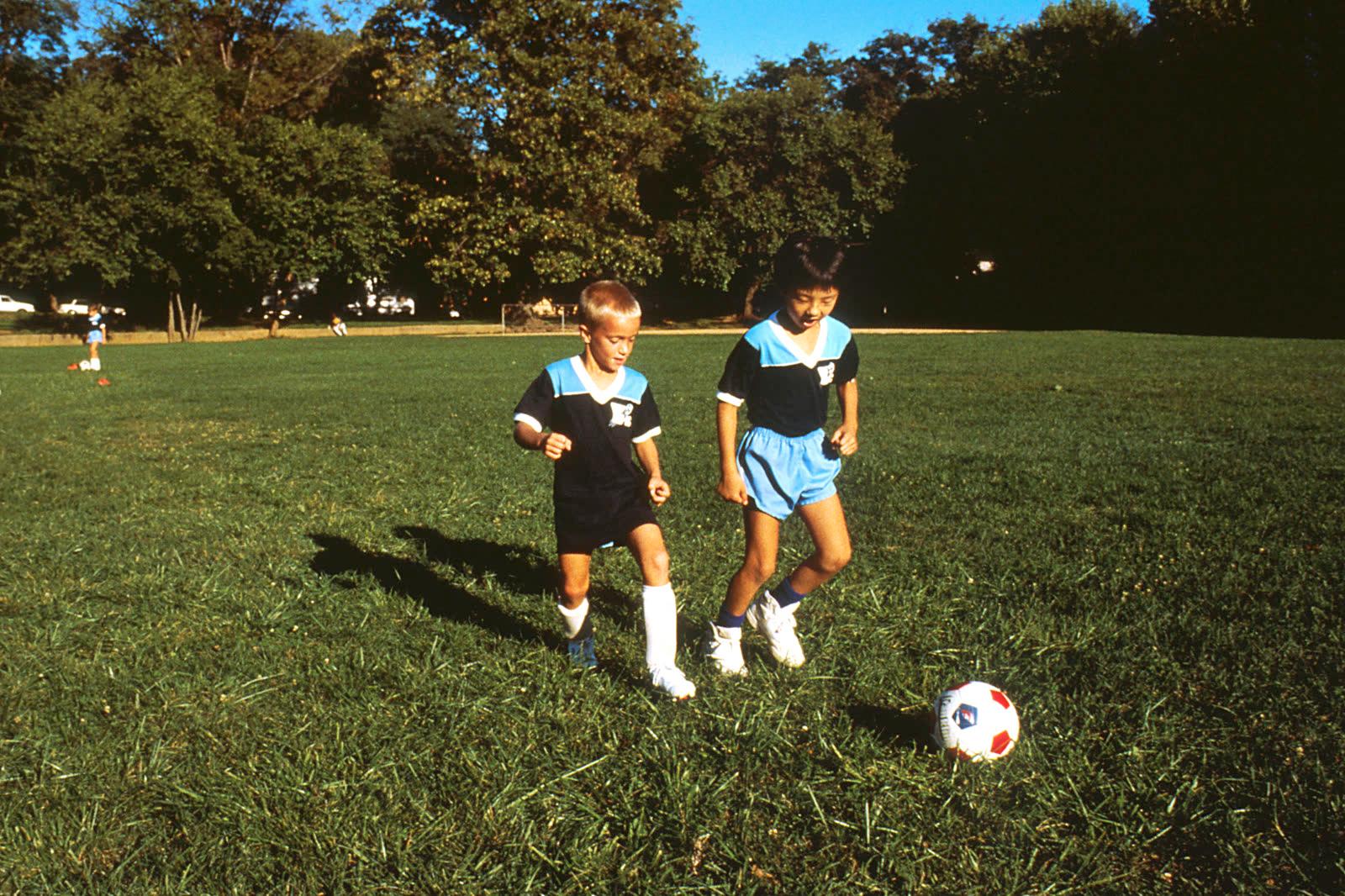
Fill each clinic, cap the numbers, and know who's on which field.

Let families choose classes, and keep pickup calm every day.
Photo: Unsplash
Breakout sessions, rooms and speakers on one grid, and a full room closes on its own.
Photo: Unsplash
Attendees pick their sessions, and every badge shows that person's own agenda.
Photo: UnsplashNot a kids' event?
Classes become sessions and teachers become speakers. Each attendee picks one session per time slot, and rooms stop taking sign-ups when they're full.
What a week can look like
A few examples of how a week can go with Simple Schedule Pro.
Registration used to be paper forms and a weekend of typing. This year parents signed up on their phones, picked classes, and the badges printed the Friday before.
Three rotations a day, six activity areas. When the archery class filled up, it stopped taking sign-ups on its own, so no one got bumped on Monday.
Half the teachers had never seen the schedule before day one. Now each one gets an email with exactly where they'll be and which kids are in their room.
Forty families, twelve classes, and every parent wants a different mix. Families choose for each child, and the co-op knows the class sizes before the first day.
Every family has a number on a card in the windshield. Call the number, the kids walk out, and the car line keeps moving.
Next summer starts by copying this year's event and changing the dates. The classes, rooms and staff are already there.
These are examples of how directors use Simple Schedule Pro, not quotes from customers. Real stories are on their way.
Pricing
One week of VBS? Pay once. A whole summer of camp? One season pass. Events all year? Go yearly. Every option includes every feature.
14-day free trial · no credit card required
The trial lets you try every feature with up to 10 kids per event. Subscribe when you're ready to run your full event, and everything you built carries over.
Event Pass
$79 once
Up to 50 kids
One week of VBS or a single event. Active until 30 days after it ends.
Start freeEvent Pass
$149 once
Up to 150 kids
One week of VBS or a single event. Active until 30 days after it ends.
Start freeEvent Pass
$229 once
Up to 300 kids
One week of VBS or a single event. Active until 30 days after it ends.
Start freeSeason Pass
$249 once
Unlimited kids, 4 months
A whole summer of day camp or a semester-long program.
Start freeStarter
$299
/yr
For one event at a time.
1 active event
Unlimited participants
1 location
3 team members
Every feature included
Best for most
$799
/yr
For churches and groups running several events a year.
5 active events
Unlimited participants
1 location
10 team members
Every feature included
Unlimited
$1,499
/yr
For groups with more than one location.
Unlimited active events
Unlimited participants
Multiple locations
Unlimited team members
Every feature included
Set up your event, try the sign-up form, and bring your team in. Free for 14 days with up to 10 kids, and no card needed to start.